Tell us what happened
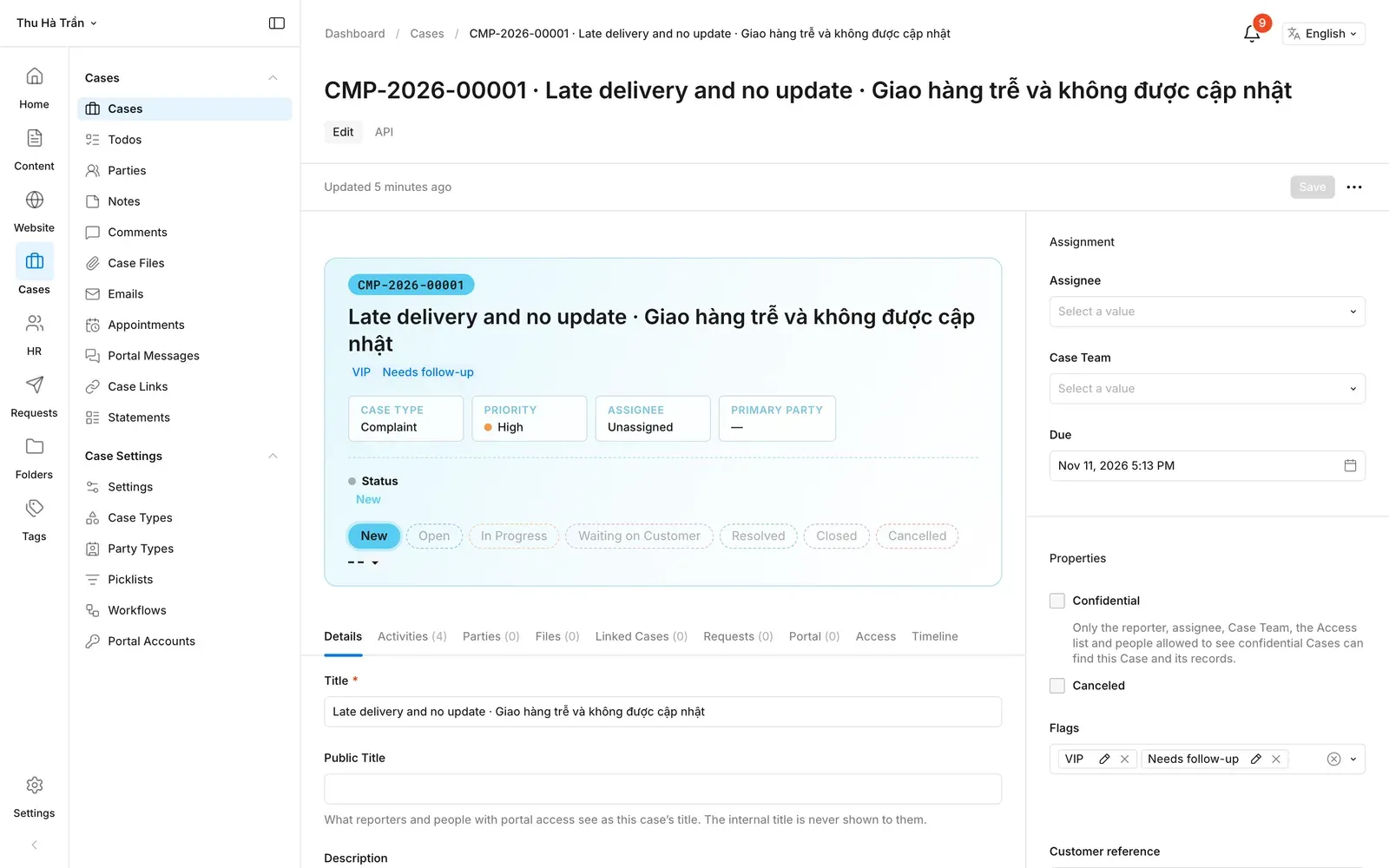
When something does not work as expected, the fastest way to get help is the "Report an issue" page. Your report becomes a case that goes straight to the team that can fix it.
Step by step
- Open "Report an issue" from the menu.
- Give your report a short title and describe the problem.
- Choose how much it affects you, and add the date it happened.
- Leave your name and email so we can keep you updated.
- Send it: the page shows your case number, and we email you a copy.
Tips for a quick fix
- One problem per report: it reaches the right person faster.
- Say what you expected and what happened instead.
- Keep your case number: you need it to track your report.
Ready to report an issue?
It takes about two minutes, and you get a case number right away.